
Know where your money goes.
Log an expense in seconds, set budgets that warn you early, and see clear reports. Start as a guest — no bank login, no complicated setup.
Available in English, العربية, Français and Español.
- Free to download
- No bank login
- Start as a guest
- Dark mode
- Right-to-left support
Everything you need to stay in control
No spreadsheets and no bank connections — just the tools that make budgeting stick.
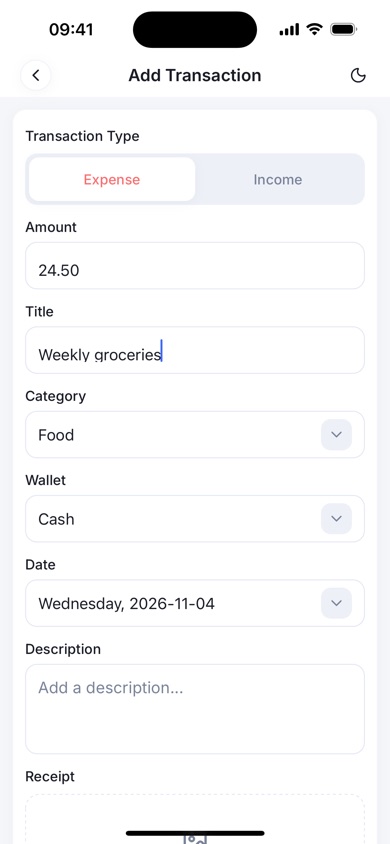
Add an expense in seconds
Enter an amount and pick a category. The title is optional and your default wallet is already selected.
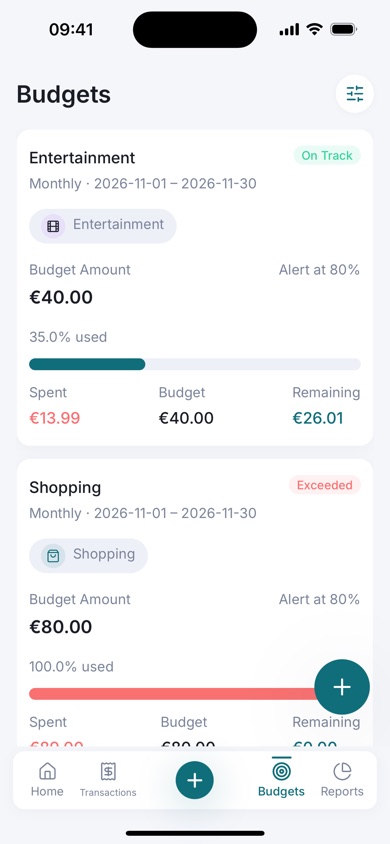
Budgets with alerts
Set monthly budgets overall or per category. See your progress at a glance and get alerted in the app when you near your limit.
Wallets that match your life
Keep cash, bank, card and savings separate and see your total balance across all of them.
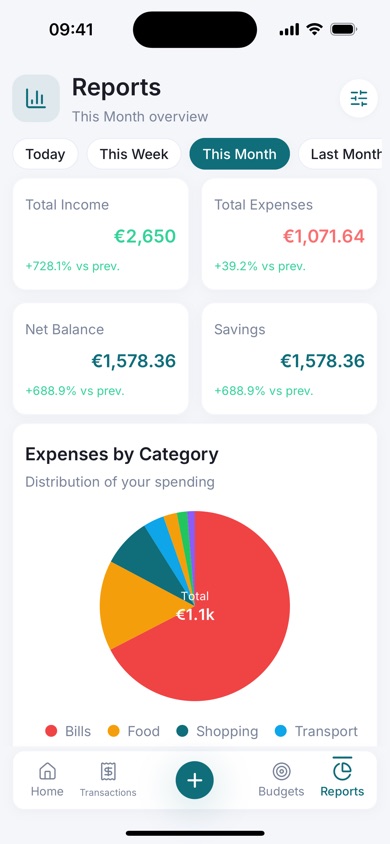
Reports you can export
Charts for spending by category and income versus expenses. Export to PDF, Excel or CSV whenever you need.
Recurring transactions
Mark rent, subscriptions and salary as recurring so your records stay up to date.
Receipts attached
Add a receipt photo to any transaction, so proof of purchase is always one tap away.
A gentle daily reminder
An optional reminder helps you log your spending every day. It is scheduled on your device and works without a connection.
Four languages, dark mode
English, Arabic, French and Spanish, with a proper right-to-left layout and a light and dark theme.
Try it as a guest
Start right away without an account, then save it with an email and password when you want to sign in on another device.
Up and running in a minute
Choose your currency
Pick your currency and, if you like, a monthly budget. Budgetly is ready to use right after.
Log what you spend
Tap the plus button, enter the amount, choose a category and save. That is all it takes.
See where it goes
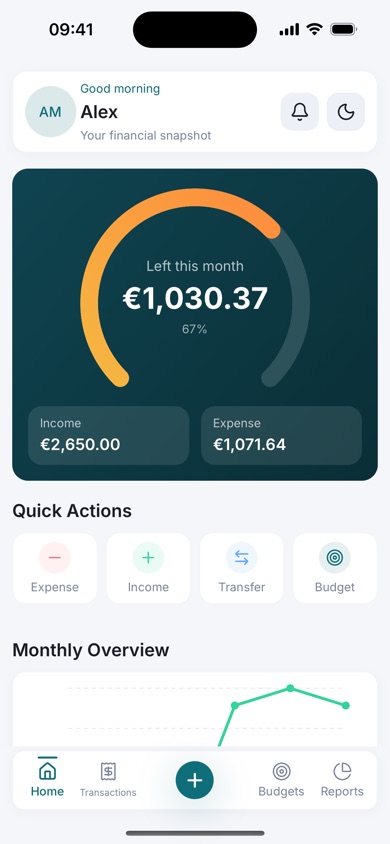
Watch your budget ring, review your reports and adjust before the month gets away from you.
A closer look
Clean screens that make your money easy to read.
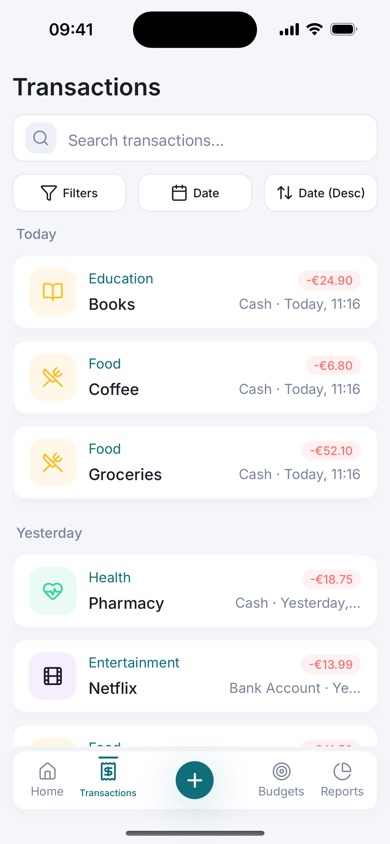
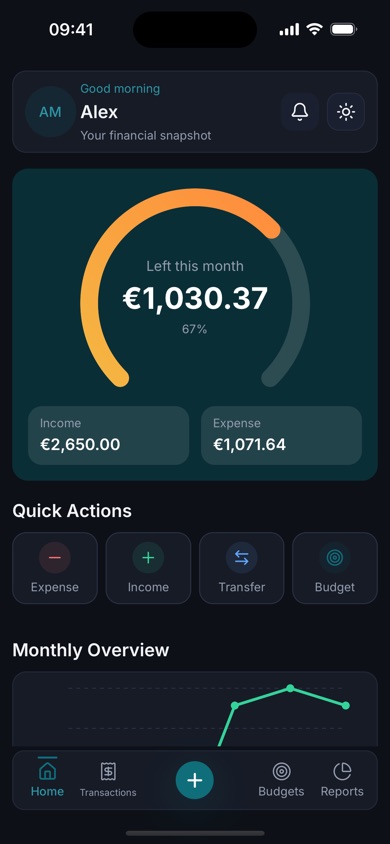
Your data stays yours.
Budgetly never asks for your bank login and we do not sell your personal data. You can export your reports, and delete your account and its data from inside the app at any time.
Questions, answered
Is Budgetly free?
Yes. Budgetly is free to download and use.
Do I need to create an account?
No. Choose “Continue as guest” to start right away. You can save your account with an email and password later, so you can sign in on another device.
Does Budgetly connect to my bank?
No. You add your own transactions, so Budgetly never needs your bank credentials.
Does it work offline?
Budgetly needs an internet connection, because your records are stored securely on our servers and tied to your account. The optional daily reminder is scheduled on your device and still arrives without a connection.
Which currencies and languages are supported?
Currencies: US dollar, euro, pound sterling, Moroccan dirham, Canadian dollar and Japanese yen. Languages: English, Arabic (with a right-to-left layout), French and Spanish.
Can I export my data?
Yes. Open Reports and export to PDF, Excel or CSV.
How do I delete my account?
Go to Profile and tap Delete Account. Your account and its data are removed from our servers. See the account deletion page for the full steps.